Real 3D Geometry vs Fake 3D Effects: What Designers Need to Know
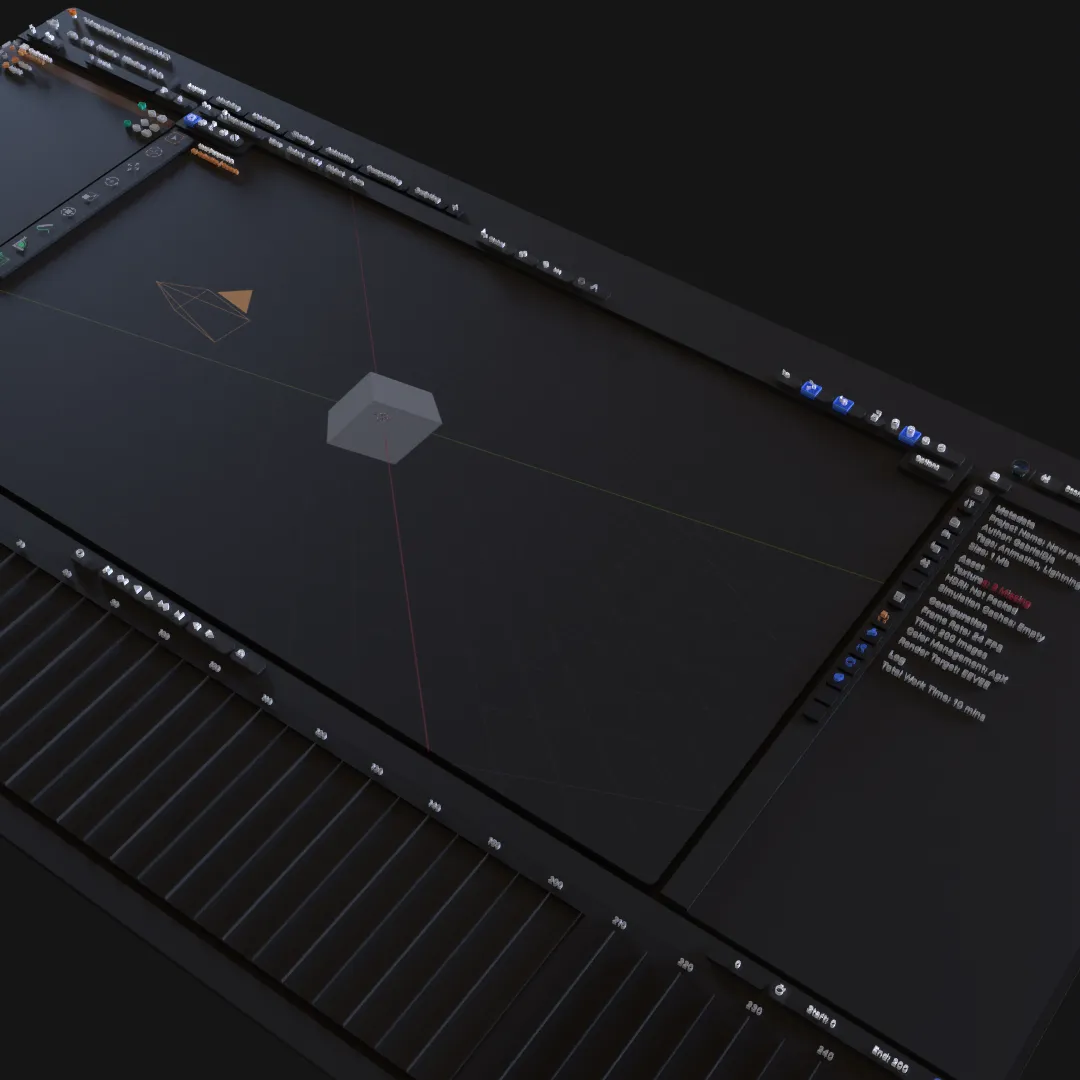
Fake 3D effects can be fast and visually convincing from one angle. Real 3D geometry becomes necessary when the camera, lighting, silhouette, materials, or physical output must remain correct from more than one view.
What Is a Fake 3D Effect?
“Fake” does not mean bad. It describes a technique that creates the appearance of depth without building a complete three-dimensional object.
Common examples include:
- Perspective transforms on flat layers.
- Stacked copies that imitate extrusion.
- Painted highlights and shadows.
- Blur used to suggest depth of field.
- Gradient and transparency effects that resemble glass.
- Pre-rendered images placed in a composition.
These techniques are efficient when the camera stays fixed and the illusion only needs to work in the final frame.
What Is Real 3D Geometry?
Real geometry has spatial structure: vertices, edges, faces, volume, and a position within a scene. A camera can move around it, lights can reveal its form, and its silhouette can change correctly with the view.
Layer3D includes editable topology and operations such as knife, loop cut, bevel, solidify, and subdivision. Its modifier stack allows geometry changes to remain adjustable.
The Camera Test
Move the camera sideways or rotate around the object.
With a flat effect, the illusion may collapse, expose stacked layers, or reveal that the object has no meaningful side. With real geometry, perspective and silhouette change because the form actually occupies space.
If the final shot never changes angle, this distinction may not matter. Use the simpler solution that produces the required image.
The Lighting Test
Painted highlights remain attached to the artwork. Real material response changes as the object, camera, or light moves.
This matters for:
- Metallic logo turns.
- Beveled typography.
- Transparent objects.
- Product surfaces.
- Moving reflections.
- Camera-directed reveal shots.
A fake highlight may be easier for a fixed graphic. A real light is more coherent across a moving scene.
The Glass Test
A translucent layer can resemble glass in one composition. Real spatial glass must respond to objects behind it, the angle of view, surface shape, lighting, and the movement of the scene.
Layer3D's transparent and frosted material workflow is valuable when overlap and camera movement are part of the visual. For a static interface card, a simple background blur may be the more efficient choice.
The Revision Test
Ask what is likely to change. A fake effect built for one camera can be very fast until the client requests another angle. A real scene takes more setup but can produce several views with consistent geometry and materials.
Neither approach is universally more editable. The right structure depends on the expected revisions.
When Fake 3D Is the Better Choice
Use a 2D or 2.5D effect when:
- Only one final view is required.
- The result is a small UI transition.
- Delivery must be Lottie, CSS, or an animated SVG.
- Render time and file size must remain minimal.
- The effect is intentionally graphic rather than physical.
When Real 3D Is Worth It
Use real geometry when:
- The camera changes angle.
- Side faces and thickness are visible.
- Lighting and reflections must evolve through the shot.
- Materials depend on spatial relationships.
- Several consistent views are required.
- The geometry may continue toward physical output.
A Practical Hybrid
Many strong scenes combine both approaches. Use real geometry for the hero logo, product, or typography; use flat layers for backgrounds, UI surfaces, and fine supporting text. This preserves render efficiency and readability while giving the camera enough real form to reveal.
Layer3D is designed for this transition because structured design layers and actual geometry can coexist in one animated scene.
See Layer3D vs Jitter for a practical comparison between spatial 3D production and fast 2D motion.