Path Tracing vs Real-Time Rendering for Motion Designers
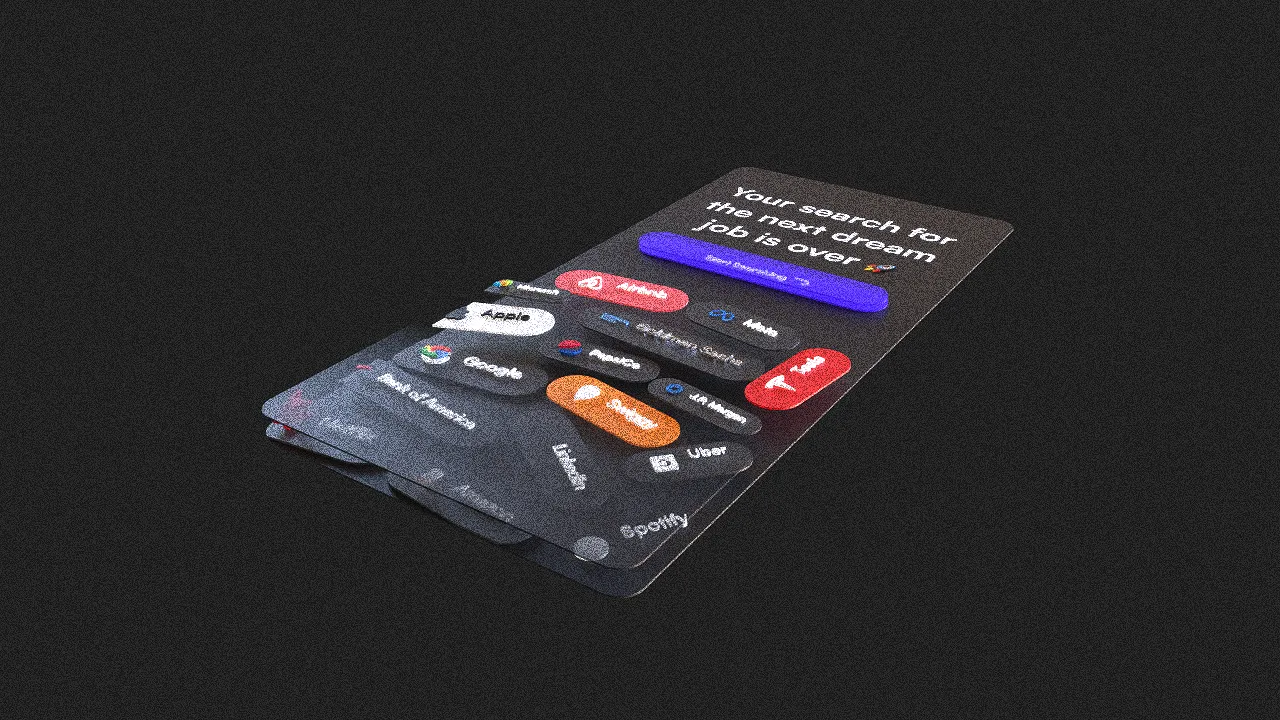
Real-time rendering prioritizes immediate feedback; path tracing spends more computation on light transport and image quality. Motion designers often need both: fast iteration while building and a higher-quality pass for delivery.
What Real-Time Rendering Optimizes
A real-time renderer aims to produce frames quickly enough for direct interaction and playback. It uses efficient approximations so artists can move objects, adjust materials, animate cameras, and review timing without waiting for a final image.
This makes real-time rendering ideal for:
- Scene layout.
- Camera direction.
- Keyframe timing.
- Material look development.
- Interactive experiences.
- Fast previews and approvals.
The exact result depends on the renderer, but speed is the central design constraint.
What Path Tracing Optimizes
Path tracing follows many possible light paths through a scene to estimate reflections, shadows, indirect illumination, transparency, and other interactions. More samples generally reduce noise but require more computation.
Layer3D provides a progressive WebGPU path-tracing workflow with denoising for final-resolution output. The progressive approach allows the image to improve over time rather than appearing only after one opaque render step.
Where the Difference Becomes Visible
The gap is most noticeable when a scene contains:
- Reflective or glossy surfaces.
- Transparent and frosted glass.
- Soft indirect light.
- Objects illuminating or reflecting one another.
- Detailed contact shadows.
- Depth-of-field and polished final framing.
A flat graphic with simple materials may show little practical benefit from a more expensive render.
Noise, Samples, and Denoising
Path-traced images begin noisy because each pixel has limited information. Additional samples improve the estimate. Denoising predicts a cleaner final image from the available render data.
Denoising is useful, but it cannot restore detail that was never sampled clearly. Inspect small text, narrow highlights, transparent edges, and fine geometry at final resolution.
Use the Fastest Mode That Answers the Current Question
During production, different questions need different quality:
| Question | Appropriate view |
|---|---|
| Is the composition correct? | Fast preview |
| Does the timing work? | Real-time playback |
| Does the material direction work? | Moderate-quality test |
| Are reflections and glass stable? | Short path-traced range |
| Is the shot ready to publish? | Final render |
Rendering every draft at final quality wastes time and can discourage necessary changes.
Test Representative Frames
Before rendering a complete animation, test the beginning, middle, end, and any frame with difficult reflections or overlap. A material may look correct in the final composition but produce noise or an unwanted highlight during the camera move.
For a long sequence, export frames so completed work remains usable if the process is interrupted and so individual problem frames can be inspected.
Real-Time Does Not Mean Low Quality
Modern real-time rendering can produce excellent work, especially for graphic scenes and interactive delivery. Path tracing is not automatically the better artistic choice. It is a different tradeoff between feedback speed, physical coherence, hardware cost, and delivery requirements.
A Layer3D Production Pattern
- Arrange the imported design and geometry in the interactive view.
- Animate the camera and scene at preview quality.
- Test materials and lighting on representative frames.
- Use progressive path tracing when reflections, glass, or final fidelity justify it.
- Apply denoising and restrained post-processing.
- Export a video or frame sequence for delivery.
The purpose of the final renderer is to finish a strong scene, not to compensate for one that has not been directed.
For a material-specific example, read How to Create Transparent and Frosted Glass Materials in 3D.