How to Turn a Figma Landing Page into a 3D Hero Animation
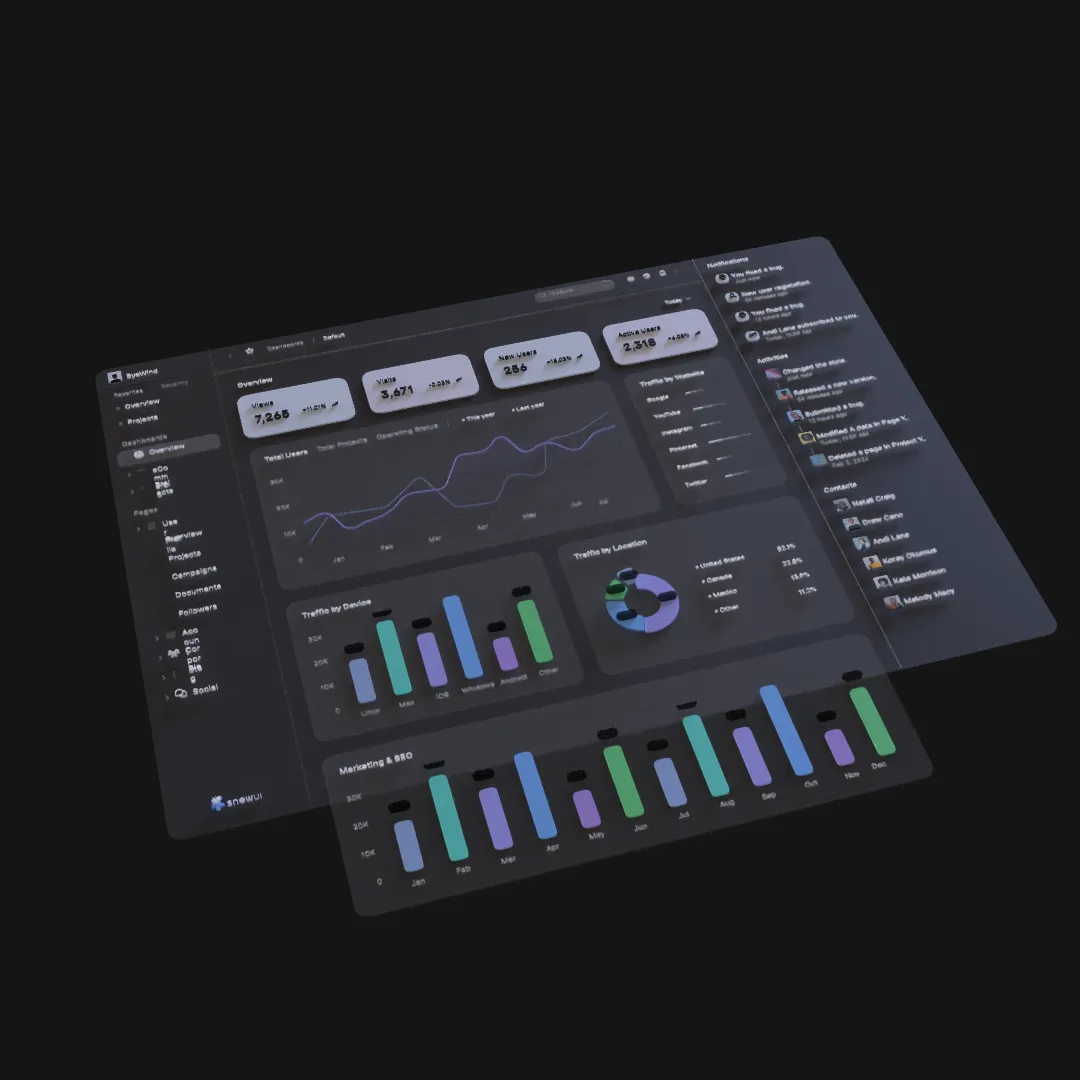
A landing-page hero can use 3D motion to explain a product, establish visual identity, and direct attention toward one action. Starting from Figma keeps the animation connected to the approved page design.
Define the Hero's Job
A hero animation should support the page, not become a separate short film. Decide which job matters most:
- Demonstrate the product interface.
- Make a logo or brand object memorable.
- Explain a transformation.
- Give a static key visual depth.
- Create atmosphere behind a clear headline.
Choose one. The headline and call to action must remain understandable even if the animation has not loaded or the visitor prefers reduced motion.
Prepare a Hero-Specific Figma Frame
Use the intended desktop aspect ratio and identify how the composition will crop on smaller screens. Separate the animated visual from HTML text when the text should stay accessible and responsive on the final website.
For a rendered video hero, keep these layers editable:
- Main product or visual object.
- Background.
- Supporting cards or panels.
- Decorative foreground elements.
- Any typography that is genuinely part of the rendered art.
Create a Loop-Friendly Scene
Website heroes often repeat. A loop works when the ending can return to the beginning without a visible jump, or when a short hold gives the page time to breathe.
Three reliable structures are:
- A slow continuous orbit around a stable object.
- A reveal, hold, and gentle reverse.
- A camera push followed by a matched transition back to the start.
Avoid a loop where the product repeatedly snaps into place; it quickly becomes distracting behind page content.
Use Depth to Clarify the Product
Import the Figma visual into Layer3D and preserve the product hierarchy. Keep interface layers near the device or product surface, then use limited foreground and background elements for parallax.
If the shot contains a device, frame, or logo, add real thickness and edge treatment where the camera can reveal it. A shallow angle is usually enough to communicate geometry while keeping the content readable.
Direct Motion Around the CTA
If the page headline and button sit on the left, keep the strongest visual contrast and motion away from the text block. Use camera movement to lead the eye toward the product, not across the CTA.
The animation should reach a calm, readable state quickly. Visitors decide whether to continue before a long cinematic reveal finishes.
Render for Web Delivery
Export a clean master from Layer3D, then prepare web delivery versions appropriate for the page. Keep duration short, avoid unnecessary resolution, and provide a poster frame so the hero looks intentional before playback.
The website implementation should also:
- Preserve aspect ratio without layout shifts.
- Avoid autoplay audio.
- Respect reduced-motion preferences.
- Keep essential text in HTML.
- Use a static fallback on constrained devices.
Layer3D creates the visual asset; the website still needs a lightweight, accessible presentation.
Measure the Result
After launch, compare the hero against a static alternative. Watch page speed, engagement with the primary CTA, and whether the animation helps visitors understand the product. A beautiful hero that delays the page or hides the message is not a successful product asset.
For the wider production process, read How to Create a 3D Product Launch Video from a Figma Design.