How to Make a 3D Logo Animation in Your Browser
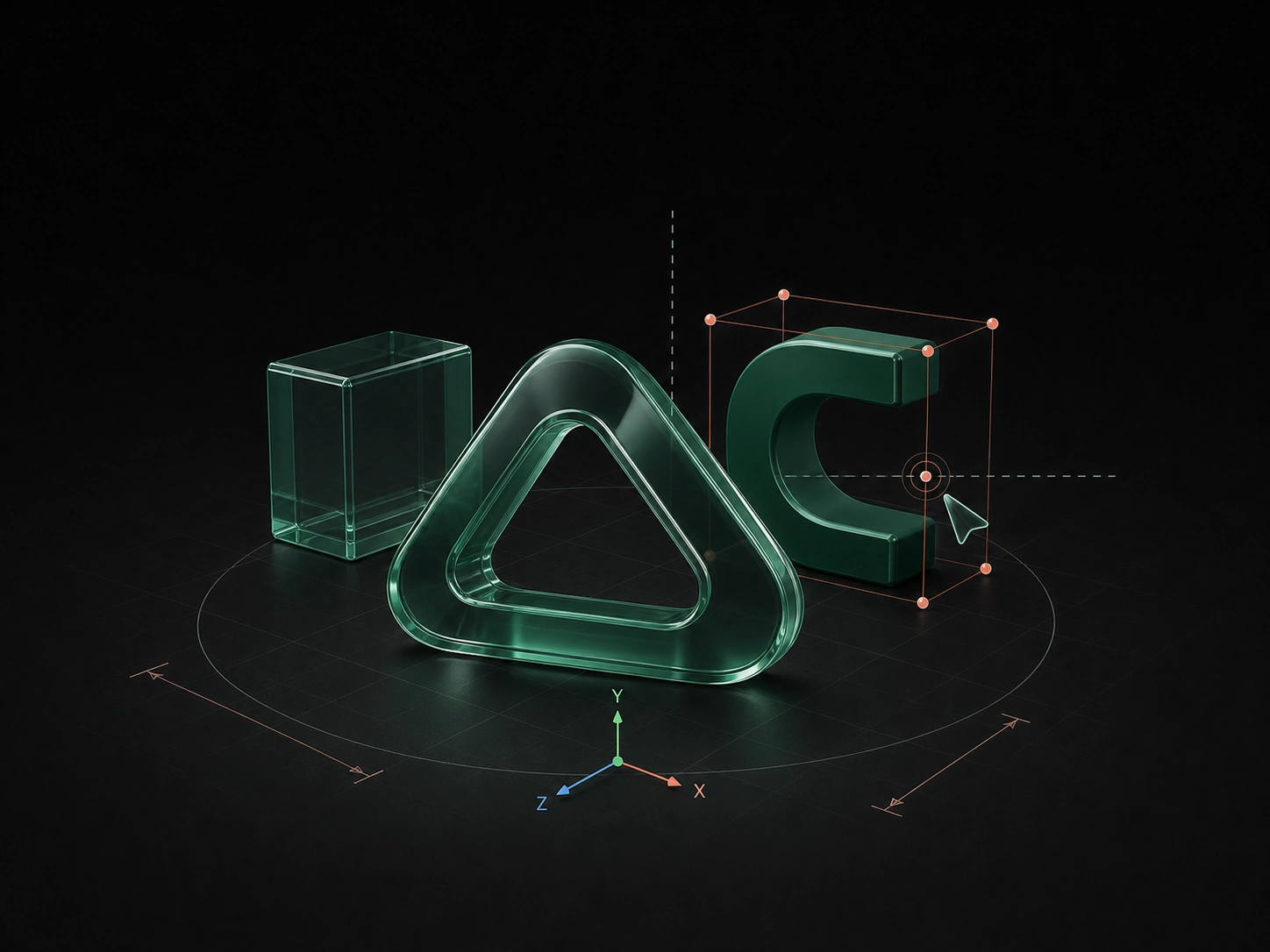
A flat logo can become a dimensional animation with real thickness, edge highlights, materials, lighting, and camera movement. Layer3D keeps this workflow in the browser and leaves the geometry editable.
Start with the Best Logo Source
Use a clean vector or structured design whenever possible. A logo with clear closed shapes is easier to give depth than a small compressed raster image.
Before import:
- Remove background rectangles that are not part of the mark.
- Confirm the correct brand colors.
- Separate symbol and wordmark if they need different motion.
- Check small counters and narrow gaps.
- Decide whether the animation uses the full lockup or only the icon.
Do not alter protected logo proportions just to create a more dramatic effect.
Choose the Animation's Purpose
A logo animation may serve as a video intro, website hero, social post, product reveal, presentation bumper, or looping brand asset. The destination determines duration and framing.
For most uses, one to five seconds is enough. The mark should become recognizable early and finish in a clean state that can hold on screen.
Create Real Depth
Import or construct the logo shapes in Layer3D, then add controlled thickness. Use bevels to soften the transition between front and side faces and to create highlights as the logo or camera moves.
Inspect internal spaces carefully. Excessive bevel or subdivision can close small holes, soften sharp brand geometry, or change the silhouette. The final mark must still look like the approved logo.
Select a Material Direction
Choose a material that supports the brand rather than following a random trend:
- Matte surfaces feel graphic and controlled.
- Metallic surfaces emphasize moving highlights.
- Transparent glass depends on the surrounding scene.
- Frosted glass creates softer depth and overlap.
- Simple color materials preserve strong brand recognition.
Build the environment and lighting with the material. A reflective logo in an empty scene has little useful information to reflect.
Animate the Logo or the Camera
You rarely need both to move dramatically. Three reliable approaches are:
Camera orbit
Keep the logo stable and move the camera through a shallow arc. This reveals thickness while protecting the mark.
Logo turn
Rotate the logo from a side angle into its final front-facing position. Use a short hold at the end.
Layered reveal
Animate symbol, wordmark, and supporting forms with a controlled stagger. Keep the final brand lockup accurate.
Design the Light for Motion
Place the main light so an edge highlight travels across the bevel during the animation. Add enough fill for the side faces to remain visible, but preserve contrast around the silhouette.
Preview the entire sequence. A highlight that looks good in the final frame may flare or disappear during the move.
Make the Ending Useful
The last frame may become a poster frame, thumbnail, or static fallback. Center the mark appropriately, keep surrounding space clean, and hold long enough for recognition.
If the animation loops, either match the first and final states or use a transition that hides the reset.
Render and Export
Layer3D can export video up to 1080p and 60 fps or produce rendered frames for editing and compositing. Preserve a clean master before creating smaller web or social versions.
Avoid adding audio-dependent timing unless every destination will use sound. A logo animation should communicate visually on its own.
For a related type workflow, read How to Create 3D Typography Animation Online.