How to Turn a 2D Poster into a 3D Motion Design
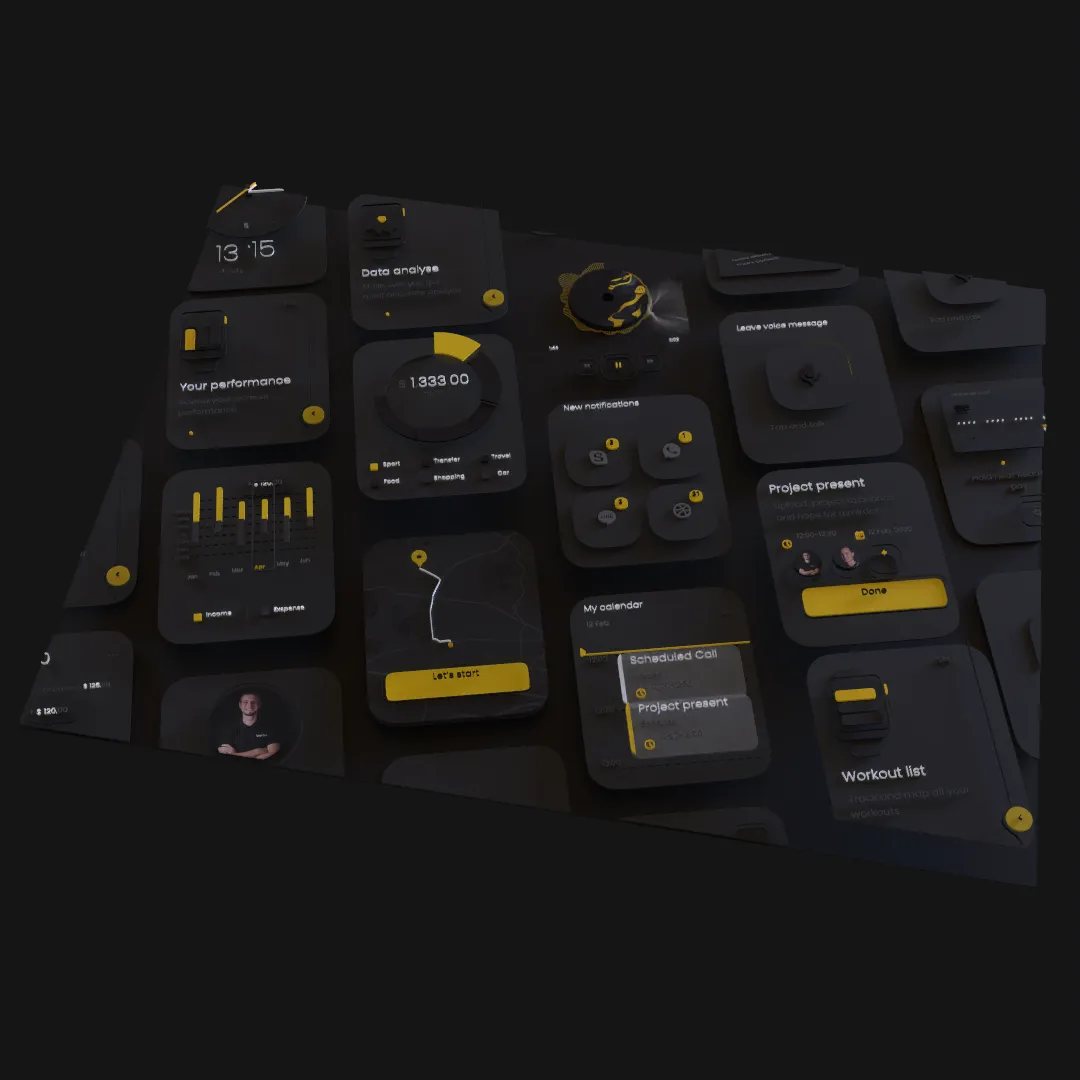
A 2D poster already contains composition, typography, color, and hierarchy. Turning it into 3D motion works best when depth extends those decisions instead of replacing them with unrelated effects.
Read the Poster as a Scene
Identify the visual roles already present:
- Background field or image.
- Main title.
- Secondary information.
- Hero image or illustration.
- Graphic accents.
- Texture and atmosphere.
Decide which elements form the foreground, middle ground, and background. The printed overlap order offers a starting point, but physical depth should be designed for the camera.
Prepare the Source Design
Use the structured Figma, Sketch, or MasterGo source when available. Keep live text and separate elements that need different movement or material treatment. Remove print marks and invisible production layers that do not belong in the animation.
If only a flat poster exists, separate the most important components before expecting meaningful parallax. A single image can move in space, but it cannot reveal independent layer depth.
Preserve the Original Composition
Set a front-facing camera and rebuild the poster's approved view first. This becomes the reference frame and often the final frame of the animation.
Move elements in depth without changing their apparent size or alignment more than necessary. Check the reference camera frequently so the design remains recognizable.
Choose a Depth Concept
Three useful directions are:
Layered paper
Separate graphic planes with small shadows and restrained parallax. Good for editorial and collage aesthetics.
Dimensional typography
Give the main title thickness and edge treatment while supporting information stays flat and readable.
Spatial environment
Use the poster as the front view of a deeper scene with real objects, lights, glass, or atmospheric layers.
Choose one dominant idea rather than applying every treatment.
Animate the Reveal
A poster animation can begin from its final flat composition, separate into depth, move through a spatial moment, and return. It can also begin abstractly and assemble into the recognizable design.
Use the timeline to stagger large groups. Let the camera provide natural parallax before adding independent movement to many layers.
Keep Information Readable
Dates, locations, credits, and calls to action need more stability than decorative graphics. Keep small copy close to a front-facing plane and reserve strong rotation or blur for larger visual elements.
Review the animation at social-feed size. Fine type that looks clear in the editor may disappear after compression.
Use Materials with Restraint
Paper-like matte surfaces preserve graphic color. Metallic or glass materials can create a focal point, but applying them to every layer can erase the original visual language.
Lighting should reveal depth while maintaining the color relationships that made the poster successful.
Export for Motion and Still Use
Render a video for the animated campaign and save a high-quality final frame for thumbnails, event pages, and static placements. A strong poster animation should still produce a strong poster.
For a related brand workflow, read How to Make a 3D Logo Animation in Your Browser.